1
Upload your real yard photo
Start from a clear, level photo of the actual space. A tool that works only from a text prompt cannot respect your existing house, fence line, or mature trees.
Best AI landscape design app
When you search for the best AI landscape design app, you are really comparing tools. The useful question is not which one makes the prettiest picture, but which one starts from your actual yard photo, gives you planting and material notes you can act on, and is honest that the result is a concept, not a construction document.
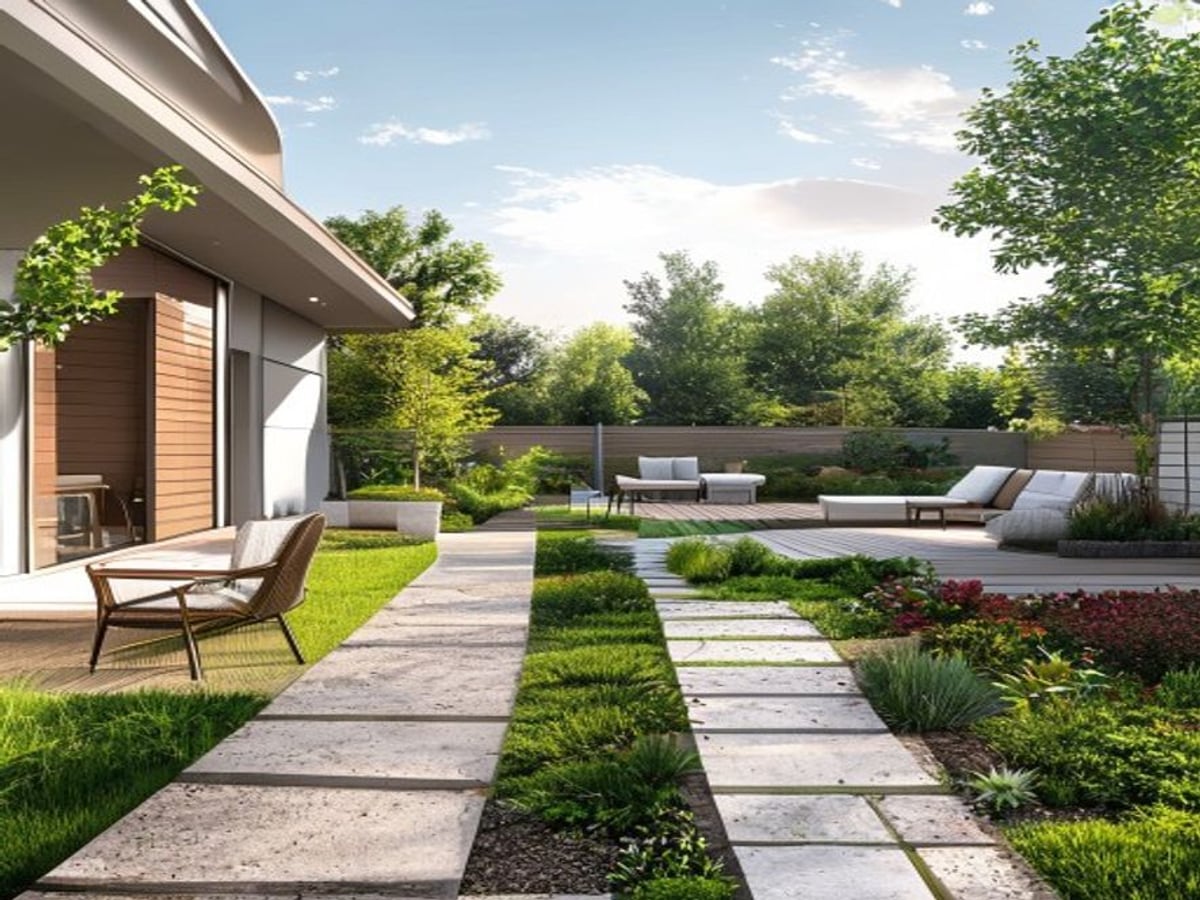
There is no single best AI landscape design app for everyone. The right choice depends on whether you are redoing a backyard, refreshing curb appeal, planning garden beds, or just exploring ideas before you call a contractor. So judge tools by criteria, not by a star rating someone else invented.
Six criteria matter most: does it keep your real house and property lines, does it give planting and material guidance instead of only an image, does it show before and after honestly, does it clearly label output as a concept rather than a permit drawing, is its pricing transparent, and is it built for outdoor yards rather than general image generation.
AI Yard Planner is built around that last point. It is outdoor-first and photo-first: you start from a real photo, get a concept plus short planning notes, and the result is framed as a direction to verify locally, not a finished build plan.
How it works
Start from a clear, level photo of the actual space. A tool that works only from a text prompt cannot respect your existing house, fence line, or mature trees.
Pick backyard, front yard, garden bed, patio, curb appeal, or a low-maintenance goal. Outdoor projects need different defaults, so look for controls that match the job.
Review the concept against your original photo. The point is to compare directions side by side, not to accept the first render as final.
Use the image and notes to talk to a landscaper, nursery, or your extension office. Confirm drainage, grading, codes, and plant availability before spending money.
The strongest sign of a serious landscape app is photo-first input. Starting from a real photo keeps your house, scale, and sightlines, so the result looks like your yard instead of a generic catalog garden.
An image alone does not tell you what to plant, how to drain a bed, or what a paver costs. Look for an app that pairs the visual with short, practical planning notes you can take to a pro.
A trustworthy tool labels output as a visual concept, not a construction or permit document. Beware anything that implies an AI render is build-ready or that invents exact prices and ratings.
What changes, what stays
Before you build
A render cannot tell whether a plant survives your winter. Check the USDA Plant Hardiness Zone Map for your area, then confirm choices with a local nursery. The same design looks very different planted in Zone 5 versus Zone 9, and the wrong selection is the most common reason a beautiful concept fails the next season.
Native plants generally need less water and fewer inputs once established, and they support local pollinators. In dry regions, xeriscape principles such as grouping plants by water need and replacing thirsty turf reduce upkeep. An AI concept can suggest a look, but plant lists should be adapted to what actually thrives where you live.
How water moves across a yard matters more than the planting plan. Permeable pavers and gravel drain very differently than solid concrete, and beds that hold water rot many root systems. Grading, downspout direction, and soil type are physical realities a photo render cannot assess, so treat them as separate checks.
Treat any cost figure as a rough, region-dependent range, not a quote: planting a bed is usually modest, while patios, retaining walls, and irrigation run far higher. Confirm HOA rules, setbacks, and permits before building, and keep large trees away from foundations, septic, and utility lines. The concept is a starting point, not a build-ready, permit-ready plan.
What to test
AI Yard Planner is strongest when it helps you compare visual directions. Before building, check climate, utilities, drainage, grading, permits, and plant availability.
Trusted references
Independent sources worth reading before you commit to plants, grading, or materials:
Questions
Photo-first input that keeps your real house and property lines, planting and material notes rather than only an image, honest before/after, clear labeling that the output is a concept, transparent pricing, and an outdoor-specific focus instead of generic image generation.
No. Realism helps, but for homeowners the practical value is in outdoor-specific controls, preserving your real yard, useful planning notes, honest limits, and clear pricing. A photoreal render that ignores your house or drainage is not actually more useful.
Treat it as a visual concept, not a construction or permit document. Use it to clarify direction and brief a professional, then verify grading, drainage, codes, utilities, and plant availability locally before building.
It is outdoor-first and photo-first: you upload a real yard photo, get a concept plus short planning notes, and the result is framed as a direction to verify, not a finished plan. It is a fit if you want practical outdoor planning rather than generic art.
Run the same yard photo through each one with the same goal, then judge how well each keeps your house and angle, how useful the notes are, how honestly it labels output, and how clear the pricing is. Decide from your own results, not from a ranking.
Keep exploring
Redesign a backyard from your photo with planting and patio ideas.
Plan a fresh front yard while keeping the house and driveway intact.
Lay out garden beds and borders matched to your space and zone.
Visualize patios, paths, and paver layouts before you build.
Boost first impressions with front-yard concepts from a photo.
See how photo-first input keeps your real yard in the result.
Try a concept at no cost before committing to a plan.
Browse before-and-after outdoor concepts across project types.
AI Yard Planner