1
Upload a clear yard photo
Shoot in flat daylight from a spot that includes the house or a fence for scale. Frame the whole area you want redesigned, plus any tree, driveway, or path you want kept.
Landscape design from photo
Designing from scratch ignores what your property already is. Starting from a photo keeps the real constraints in frame — the house, fence, slope, walkway, lawn, and mature trees — so the concept you get back looks like your yard, not a stock garden.
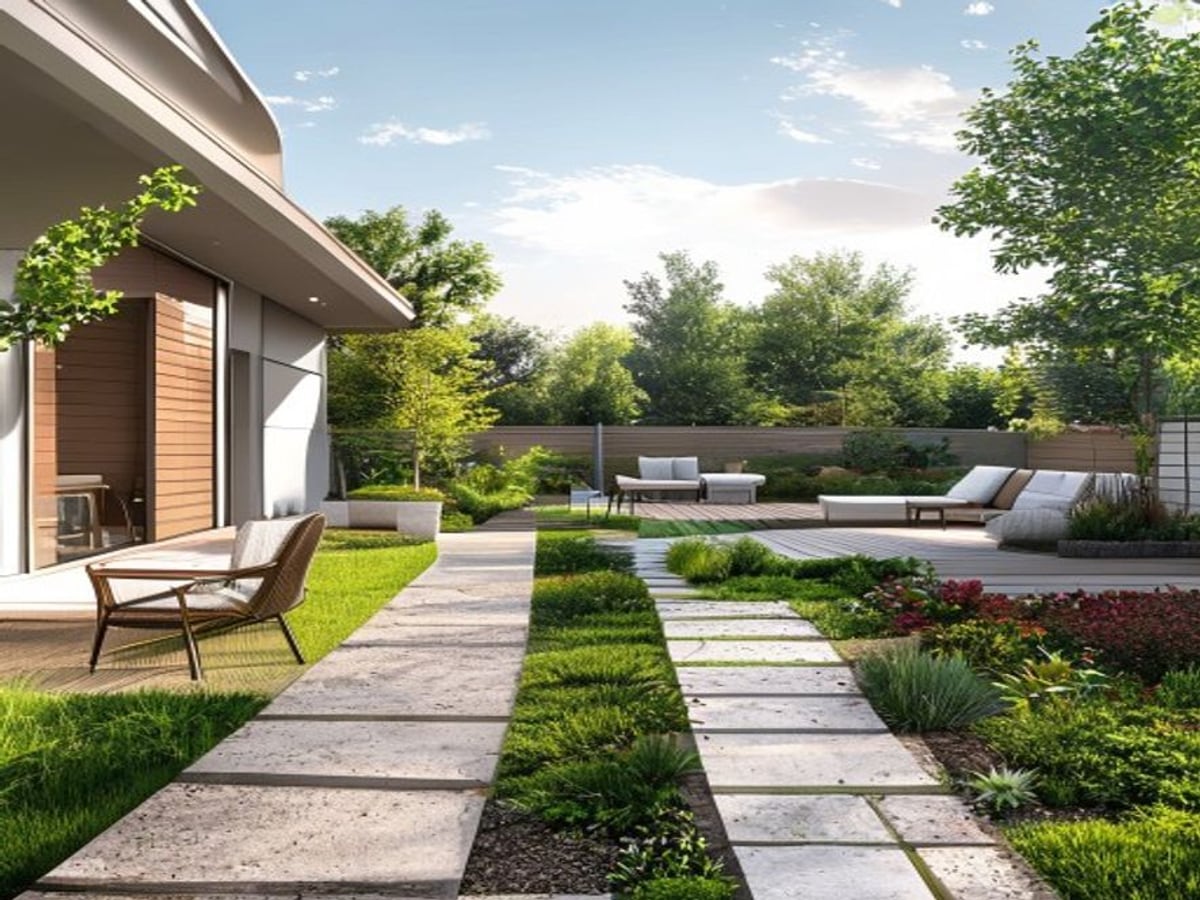
Photo-based landscape design means you upload a picture of your existing yard and the AI redraws the soft, changeable parts — planting beds, lawn shape, pathways, paving, mulch, lighting, and furniture — while leaving the fixed structure of the property recognizable. It is faster and more grounded than a blank-canvas design because it starts from what you cannot move.
The biggest practical advantage is honest constraints. The photo carries your home's footprint, the property line, existing trees, and the way light falls. A design that respects those is one you can realistically build, not a render that quietly assumes a flat, empty, south-facing lot.
Treat the result as a visual concept, not a construction document. It is excellent for choosing a direction, comparing options, and briefing a landscaper or nursery — but it does not measure your grade, test your soil, or know where your utility lines run.
How it works
Shoot in flat daylight from a spot that includes the house or a fence for scale. Frame the whole area you want redesigned, plus any tree, driveway, or path you want kept.
Choose the outcome — outdoor living, low-water planting, curb appeal, family lawn — and a style such as native, modern, cottage, or drought-smart.
Get back a redesigned version of the same yard. Run a few styles side by side so you are choosing between real options, not committing to the first idea.
Use the concept to plan materials and planting zones, then confirm drainage, sun exposure, plant hardiness, and any permits before spending money.
A text prompt cannot describe your exact yard geometry. A photo gives the AI the house, boundaries, grade cues, and existing plantings, so the concept stays anchored to the property you actually own.
The same approach works front and back: outdoor living areas, planting beds, garden borders, patios, and street-facing curb appeal. This page is the hub — jump to the specific scenario you are designing.
Bring the preview to a local landscaper, nursery, or extension office. It turns a vague idea into a clear visual brief and surfaces the questions worth asking before you dig.
What changes, what stays
Before you build
A concept image does not know where you live. Check your USDA Plant Hardiness Zone before buying anything, and lean on native or regionally adapted plants — they need less water, support local pollinators, and survive without constant babysitting. A plant that thrives in a render can die in the wrong zone.
AI can paint a beautiful bed where water actually pools. Before planting, watch where rain runs after a storm. Gravel and permeable pavers let water through; solid concrete sheds it toward the house. Reshaping grade near a foundation, or planting trees over pipes and septic lines, is a real risk the image will never warn you about.
Costs swing hard by region and material. As a rough order of magnitude, a planting refresh can run a few hundred to a few thousand dollars, while hardscape like patios or retaining walls often climbs into five figures. Use the concept to decide what you want, then get local quotes — the image is not an estimate.
HOA guidelines, setback requirements, and permits can block a design that looks fine on screen, especially for fences, structures, or front-yard changes. Sun orientation matters too: a shade garden drawn on a hot south-facing strip will struggle. Verify the boring details before the fun part.
What to test
AI Yard Planner is strongest when it helps you compare visual directions. Before building, check climate, utilities, drainage, grading, permits, and plant availability.
Trusted references
Independent sources worth reading before you commit to plants, grading, or materials:
Questions
A photo gives the AI your real yard geometry — the house, boundaries, slope, and existing trees. The concept stays anchored to your actual property, so it is far easier to compare with reality and to build from.
It is designed to preserve fixed elements like the house, fences, driveway, and major trees while redesigning beds, paths, paving, and planting. Always review the output closely, since preservation is guided, not guaranteed.
A clear, flat-daylight shot that includes the house or a fence for scale, frames the whole area you want changed, and shows any tree, path, or driveway you want kept. Avoid harsh shadows and extreme angles.
Yes, as a visual direction and conversation starter. It is a concept image, not a construction drawing, permit document, or professional specification — your contractor still measures, grades, and quotes the real job.
No. The image cannot test drainage, grading, soil, utility lines, or your hardiness zone. Confirm those on site, and use native or zone-appropriate plants, before spending money.
Keep exploring
Redesign the back of the house — outdoor living, planting, and play space.
Rework the front yard for a cleaner, more welcoming approach.
Plan beds, borders, and planting density from a garden photo.
Explore pavers, shade, and seating for an outdoor patio.
Boost street-facing impact for selling or just for the neighbors.
See real yard photos turned into design concepts.
Compare credits and plans for generating previews.
AI Yard Planner